Feature
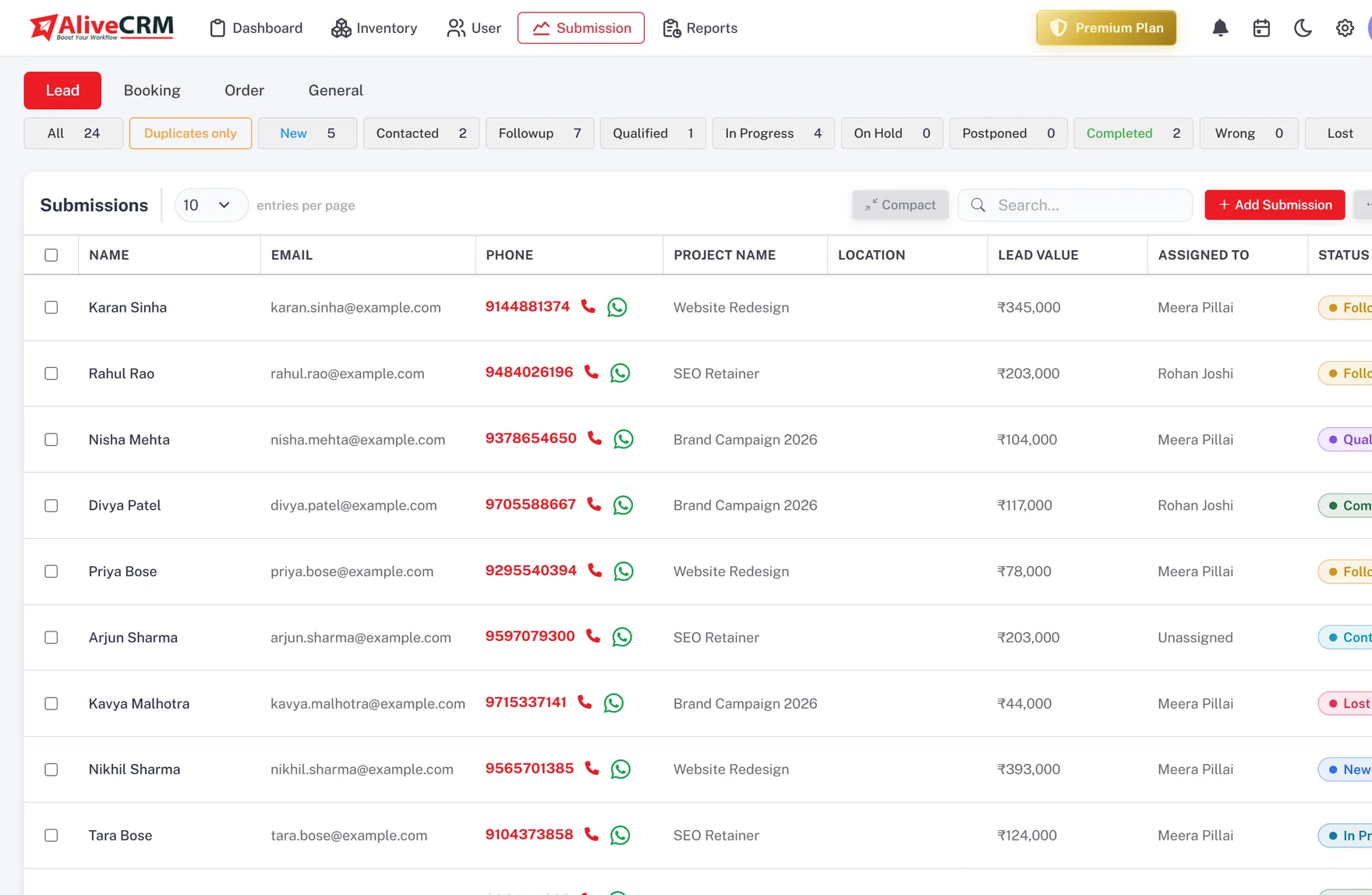
Send Every Lead to the Right Team Member
Route each lead to a user or team automatically or by hand, with ownership that stays clear through the whole process.
How It Works
Lead Assignment in AliveCRM
The Model
Company → User → Assigned Lead
Your company account holds your team. Each user has a role, and every lead is assigned to one user who is responsible for it.
- One company account, many users
- Role-based access per user
- Every lead has one accountable owner
How
Automatic on Capture, Manual Any Time
New web leads are distributed across your active team on a round-robin rotation the moment they arrive. Any lead can be assigned or reassigned by hand in a click.
- Round-robin distribution on capture
- Reassign a lead, or several, by hand
- Owner notified by email and in-app
Rahul Sharma
Example Technologies
Clarity
Ownership That Stays Clear
The owner is visible on every record and in every list, so there is never a "who has got this?" moment.
- Owner on the lead and in reports
- Per-user pipelines
- No unassigned leads slipping through
Rahul Sharma
Example Technologies
Flexible
Reassign When Priorities Change
Move a lead to another owner when someone is out, a territory changes or a deal needs a specialist.
- Reassign any time
- Reassignment logged on the lead
- History stays intact
Rahul Sharma
Example Technologies
In Practice
What You Get
Company → user → lead
Automatic or manual
Always a clear owner
Reassign when needed
Get Every Lead to the Right Person
Route leads to owners so nothing sits untouched.