


Solutions

CRM Solutions for Every Way Your Leads Arrive

Pick the workflow that matches your business. Each solution shows how AliveCRM captures, assigns and follows up the leads you already get.

Start here

What is a CRM solution, and which one do you need?

A CRM solution is the same product set up for a particular job. AliveCRM is one lead management CRM, but a business that lives on its contact form uses it differently from a team running paid campaigns or a manager sharing leads across eight sales reps. These pages walk through each of those jobs from the first enquiry to a won or closed lead.

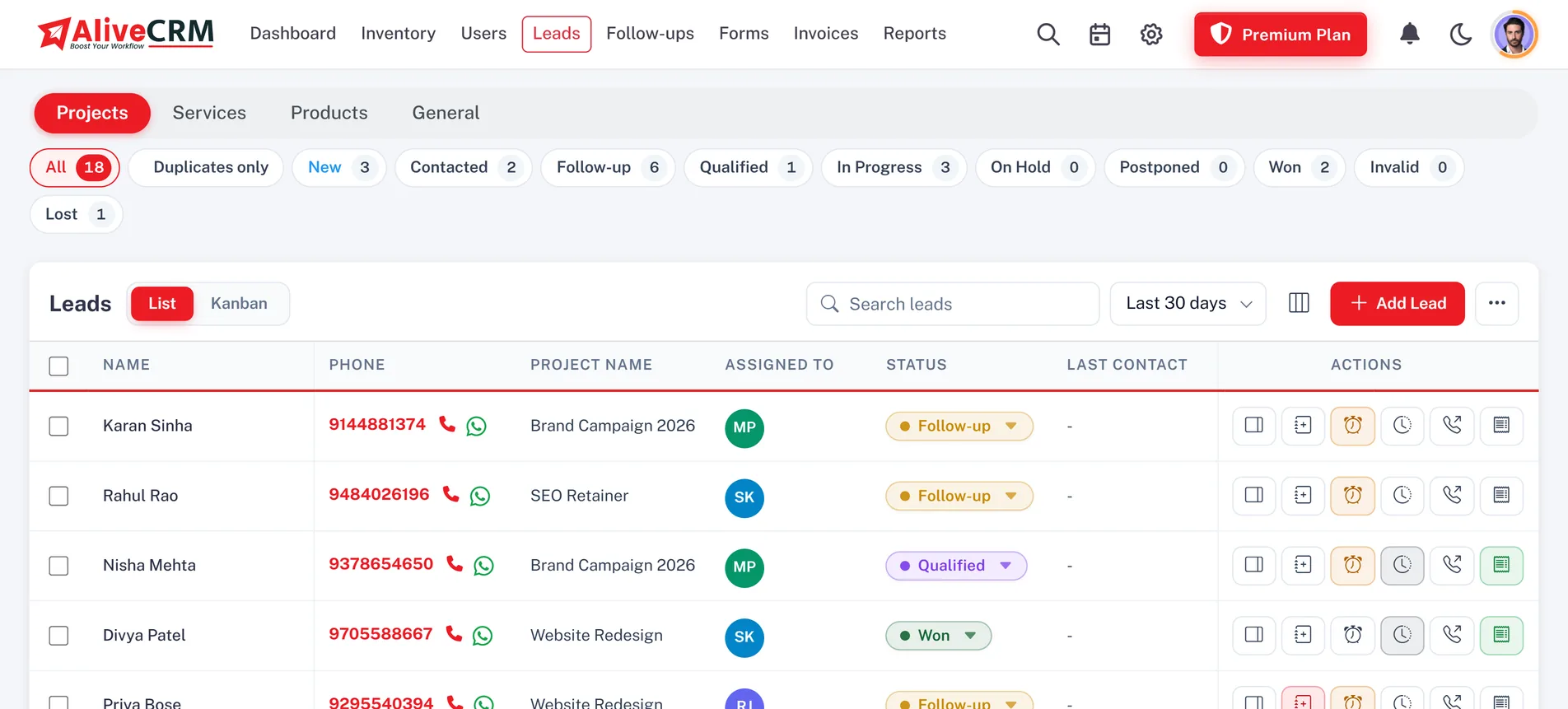
Every solution uses the same building blocks: a form builder that turns submissions into leads, assignment rules that give each lead an owner, reminders and a Follow-ups page so nothing is forgotten, a pipeline with your own statuses, quotations and invoices on the lead record, and reports that show what is working. What changes is which of those blocks matters most to you.

Three questions that point to the right page

  • Where do most of your leads come from today: your website, ad campaigns, or calls and walk-ins?
  • How many people answer those leads, and does the work need to be shared fairly?
  • Who needs to see the numbers: the person replying, a sales manager or the owner?
Explore

Solutions by Workflow

Each page covers one way businesses use AliveCRM, end to end.

How to choose

Match the Solution to Your Biggest Problem

Most teams recognise themselves in one of these. Start with that page, then explore the rest.

Enquiries wait in a shared inbox

Your contact form emails three people and nobody is sure who replied. Website enquiry management gives each enquiry an owner and a visible first-response timer.

Website Enquiries

Ad leads go cold or untracked

You pay for clicks but cannot say which campaign brought a customer. Landing page lead management tags every lead with its campaign and counts wins per form.

Landing Page Leads

The team shares leads unevenly

Some reps get every good lead while others wait. The sales teams solution shares leads by rule and lets a manager check follow-up from one screen.

Sales Teams

You are moving off a spreadsheet

A small team with a sheet, a phone and good intentions. The small business page shows a setup you can finish in an afternoon.

Small Business CRM
Common to every solution

The Same Lead Workflow Underneath

Whichever page you start from, a lead moves through the same steps on one shared record.

  1. 01Capture
  2. 02Assign
  3. 03Follow Up
  4. 04Quote
  5. 05Report
Built on one record

One Lead Record, Whatever the Source

A website form, a campaign landing page, a CSV import, a phone call typed in by hand or a lead posted to a form webhook by another tool all create the same kind of lead. Each one carries its source, the product, project or service it is about, an owner, a status, notes and a full history, so moving between solutions never means moving data.

  • Forms, CSV import, manual entry and form webhooks
  • Source and offering on every lead
  • Status history and Contact History kept
See Lead Management Software
One Lead Record, Whatever the Source
By industry instead

Prefer to Start From Your Industry?

If your business is real estate, education, an agency, a service business, consulting, B2B, retail, travel or automotive, the industry pages show the same workflow in your own terms, with the enquiry types and follow-up steps that business actually runs.

Browse CRM by Industry
  • Nine industry walkthroughs
  • Examples in your own terms
  • Links back to the features they use
FAQ

Frequently Asked Questions

Is each solution a separate product?

No. Every solution page describes the same AliveCRM account set up for a particular job. You can run website enquiries, campaign landing pages and a shared sales team in one company account at the same time, and switch your focus later without moving any data.

Which solution should a small business start with?

Most small businesses start with website enquiry management, because the contact form is usually their biggest source of leads. If you have no website form yet, the small business CRM page shows a simple setup with manual entry and a CSV import of the leads you already have.

Can I use more than one solution at once?

Yes. A business might run a form per campaign, a contact form on its main site and an assignment rule that shares all of those leads across its sales team. Each form keeps its own source, so the reports still show where every lead came from.

What does a solution not include?

AliveCRM does not build websites or landing pages, run ads, send email campaigns or score leads automatically. It handles every lead from the moment it reaches a form, an import or the lead list. Each solution page has a short section on what it does not do.

Try Your Workflow on a Free Trial

Start a 7-day free trial with no card needed, build one form and see your first leads arrive with an owner.

Book a demo

See forms, leads and follow-ups set up for your team on a live call. Leave your details and we will reach out to pick a time.