


Integration

Send Your WordPress Enquiry Form Straight to the Sales Team

Most Indian business websites send enquiries to an email inbox that someone checks when they remember. Put an AliveCRM form on the page and every enquiry reaches an employee instead.

The short answer

How do I get WordPress enquiries into a CRM in India?

Create the enquiry form in AliveCRM, copy its script tag and ask whoever manages your WordPress site to paste it into the contact page. From then on, each enquiry is saved in AliveCRM with the page it came from, given to a sales employee by your assignment rule, and added to their callback list. No plugin is needed.

The usual setup in India is a contact form that emails a Gmail account, where an assistant copies details into an Excel sheet at the end of the day. Enquiries that arrive on a Sunday wait until Monday afternoon, and some never make it into the sheet at all.

Signs your website enquiries are leaking

  • Enquiry emails land in a promotions or spam folder.
  • Nobody knows who was supposed to call back the last lead.
  • The agency says the site gets enquiries, but sales cannot find them.
  • You cannot tell which project or service page brings the most leads.
How It Works

From Website Enquiry to Callback

The enquiry goes from the page to an employee's phone without anyone copying it.

  1. 01Visitor Fills the Form
  2. 02Enquiry Saved in AliveCRM
  3. 03Employee Assigned
  4. 04Callback Reminder Set
For Your Agency

A Two-Minute Job for Your Web Agency

Send your developer the code from the form's Share tab (the Copy code button). They add a Custom HTML block on the contact page, or an HTML widget if the site uses Elementor or Divi, and paste it in. There is no plugin to install, no PHP to change and nothing that breaks when WordPress updates.

  • Custom HTML block or HTML widget
  • No plugin or code changes
  • Survives theme and WordPress updates
See Enquiry Form Builder India
A Two-Minute Job for Your Web Agency
Assignment

Every Enquiry Reaches a Sales Employee

Instead of one shared inbox, AliveCRM gives each enquiry to an employee by round-robin, least busy, balanced, random or a fixed person, on plans that include auto-assignment. The employee is notified on the web and the Android app, and the enquiry shows on their list with the page it came from.

See Lead Assignment India
  • Six ways to share enquiries
  • Alert on the employee's phone
  • Website page saved on the enquiry
Separate Forms

One Form per Project, Course or Service

A builder with three projects, an institute with five courses or a clinic chain with several services can give each page its own form, linked to that project or service in AliveCRM. Enquiries are then grouped by what the customer wanted, and the reports show which page produces the most business.

See Project Enquiry Management
  • A form for each project or service page
  • Enquiries grouped by item
  • Leads counted per form and source
Existing Plugins

Already Using Contact Form 7 or WPForms?

You can replace the old form with an AliveCRM form, which is usually the quickest fix. If your agency prefers to keep the current plugin, they can check whether it can post entries to a webhook, through an add-on or an automation tool, and point it at the form's AliveCRM webhook URL with the name, mobile number and message.

See All Integrations in India
  • Replace the plugin form, or
  • Post entries to the form webhook
  • Name and mobile or email required
Callbacks

A Callback Booked for Every Website Enquiry

Once the employee has spoken to the customer, they note the outcome and set the next callback. The Follow-ups page lists overdue and due-today callbacks, so a website enquiry gets the same discipline as a walk-in. A WhatsApp template with your brochure note is one tap away on plans that include WhatsApp chat.

See Follow-Up Software India
  • Callback reminder after the first call
  • Overdue and due-today lists
  • WhatsApp templates on supported plans
Indian Websites

Who Connects WordPress to AliveCRM

Builders and developers

Project microsites send every buyer enquiry to the right sales executive.

Real Estate CRM India

Coaching and training institutes

Course pages feed admission enquiries straight to counsellors.

Education CRM India

Digital marketing agencies

Agencies set up client sites so enquiries reach the client's team, not an inbox.

Agency CRM India
Honest limits

What This Setup Does Not Cover

There is no AliveCRM plugin, and WordPress keeps no copy of the enquiry. The form's look is set in AliveCRM, not taken from your theme. WooCommerce orders and customer accounts are not synced. WhatsApp chats from a click-to-chat button on your site are not captured as leads, because AliveCRM does not use the WhatsApp Business API.

FAQ

Frequently Asked Questions

Does my web agency need to install a plugin?

No. They paste one script tag into a Custom HTML block or an HTML widget on the page. Nothing is installed in WordPress, so there is nothing for them to update later.

Will enquiries still come to my email?

Admins get an alert when a new lead arrives, and the assigned employee is notified in AliveCRM and the Android app. The enquiry itself lives in the CRM, where it has an owner and a callback, rather than only in an inbox.

Can the form have a mobile number field?

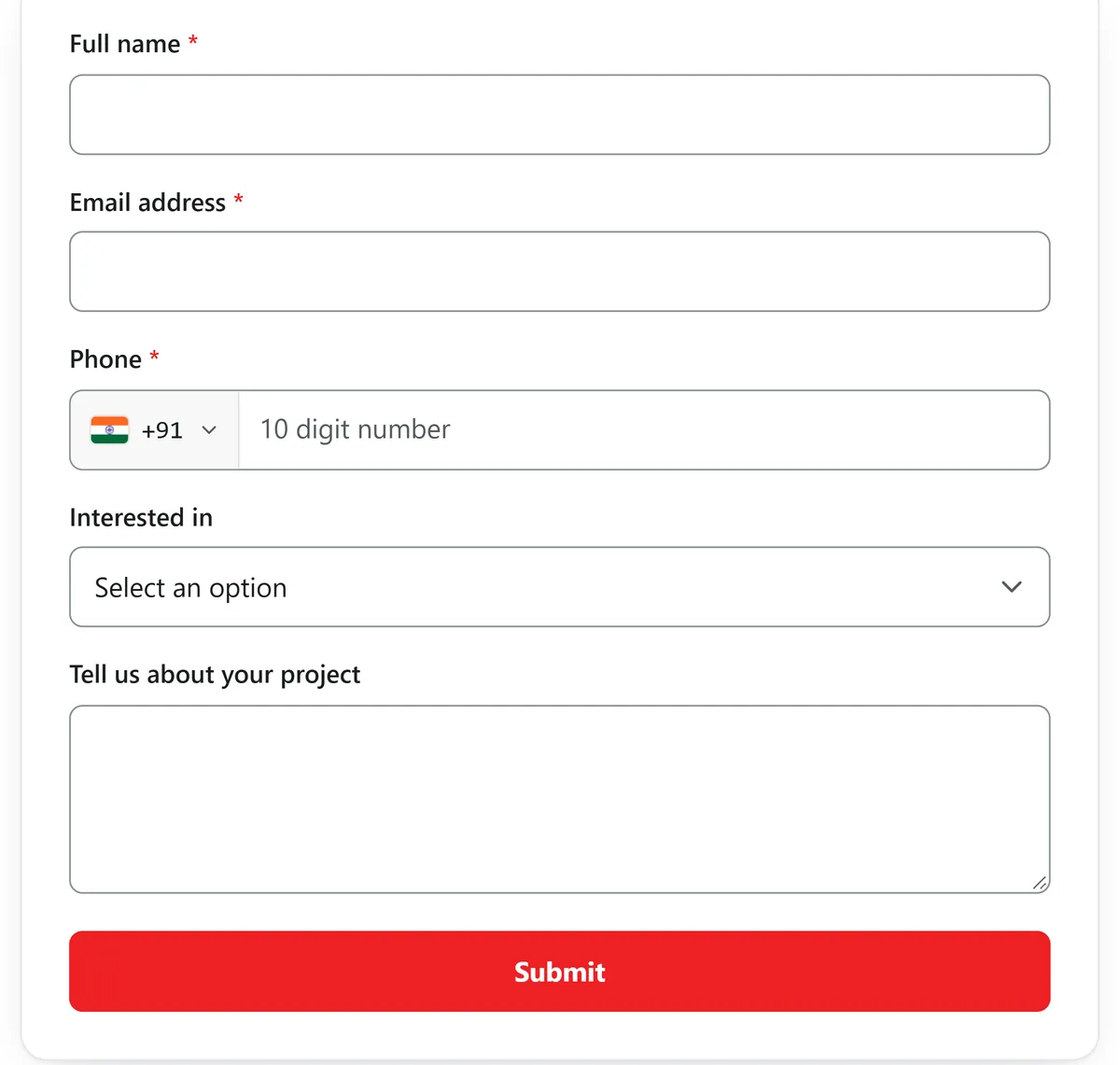
Yes. Add the phone field along with name, email, city, a dropdown of projects or courses, or any other field from the form builder. Mark the fields you need as required.

Can I use one form on several pages?

Yes, but if you want to know which page brings enquiries, give each important page its own form and source. Each form can be linked to the project, product or service it is about.

Does it work with Elementor or Divi?

Yes. Both have an HTML widget that holds the script tag. In the standard WordPress block editor, use the Custom HTML block.

Can I keep my Contact Form 7 form?

Only if it can post entries to a webhook, through an add-on or an automation tool, pointed at the AliveCRM form's webhook URL. In most cases replacing it with an AliveCRM form is simpler.

Will the customer get a reply automatically?

After submitting, the customer sees your thank-you message or is sent to a page you choose. If they give an email address, AliveCRM can send your company's auto-reply, which you can switch off in the company profile.

Can I see which page or campaign sent the enquiry?

Yes. The page URL and the form's source are saved on every enquiry. Advanced reports on selected paid plans compare forms and sources, and Google Tag Manager on the form can fire your ad conversion event.

Connect Your WordPress Enquiry Form Today

Start a 7-day trial with no card needed, build the form and send the tag to your web agency.

Book a demo

See forms, leads and follow-ups set up for your team on a live call. Leave your details and we will reach out to pick a time.