

CRMFeature

Lead Alerts and CRM Notifications That Reach the Right Employee

A new enquiry, a lead assigned to you, a callback due, a meeting moved: AliveCRM tells the employee who has to act, on the web and on their Android phone.

The short answer

How will my team know when a new lead comes in?

AliveCRM sends lead alerts and CRM notifications to your team as they happen. New leads, assignments, due follow-up reminders and calendar invitations appear in the bell in the web app and as push alerts on the Android app. Admins also get an email when a web form captures a new lead, and team SMS alerts are available on plans that include them.

In India an enquiry from a website or an ad is often sent to three or four companies at once. The first one to call usually gets the meeting. Alerts close the gap between the form being filled and your executive picking up the phone.

What goes wrong without alerts

  • Weekend enquiries sit unread until Monday morning.
  • An executive does not know a lead was assigned to them.
  • A promised callback is forgotten after a long site visit.
  • A colleague misses a meeting that was moved by an hour.
How It Works

From Enquiry to Action

Something changes in the CRM, and the people who need to act hear about it.

  1. 01Lead or Task Changes
  2. 02Recipients Chosen
  3. 03Bell, Push or SMS
  4. 04Employee Acts
In-App

One Notification Bell for Everything

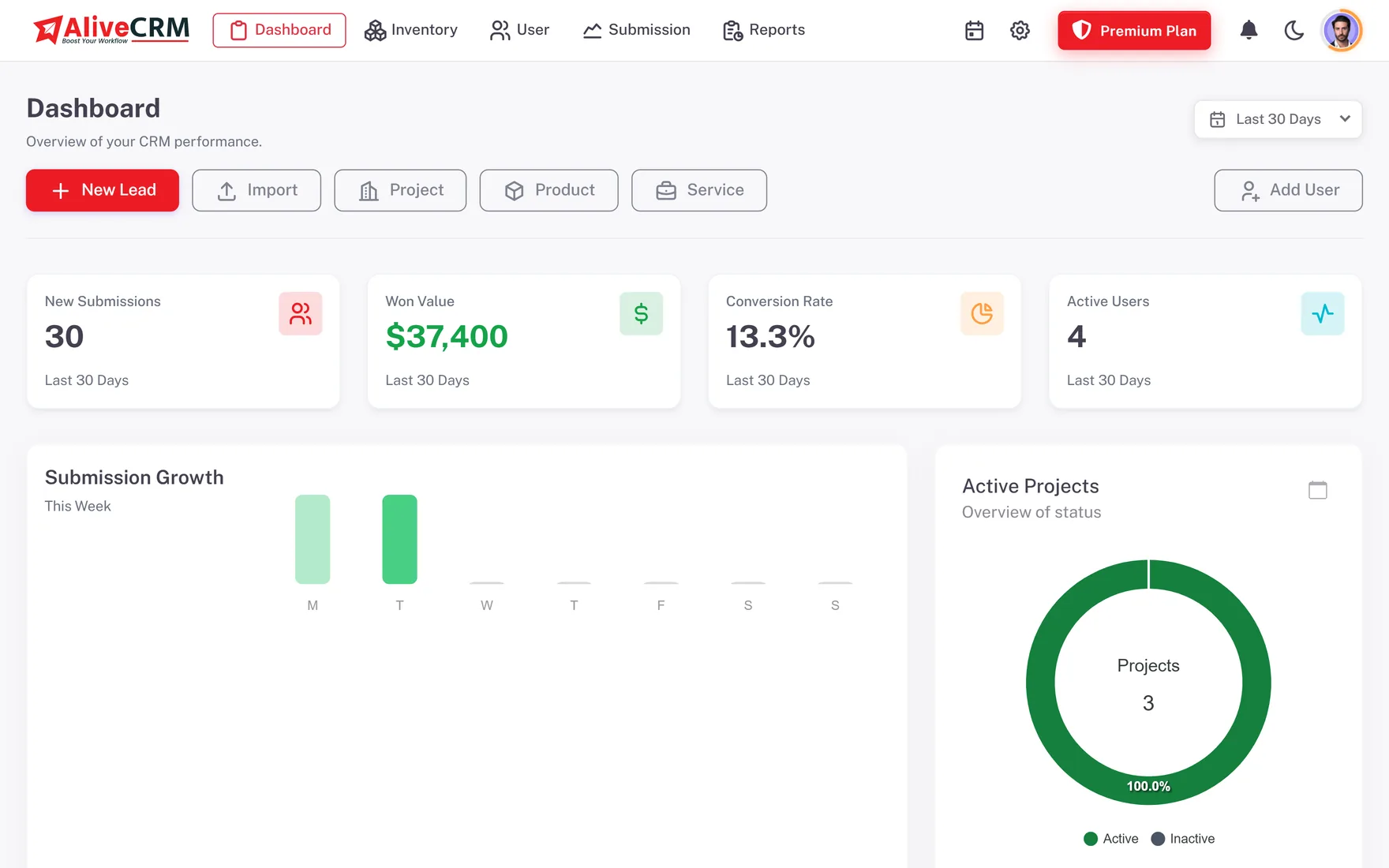
Every user has a notification bell in the web app. New leads, assignments, due reminders and calendar invitations all arrive there, and a full list page holds anything you missed while you were out. Mark items as read or clear them once handled, so the bell only shows work that is still waiting for someone.

  • New leads and assignments
  • Due reminders and event invites
  • Mark as read or clear
See lead assignment software India
One Notification Bell for Everything
Push

Push Alerts on Android Phones

Install the AliveCRM Android app from Google Play and alerts arrive as push notifications even when the app is closed. Eleven event types can be switched on or off one by one, with separate switches for push and in-app, and quiet hours keep the phone silent at night. Each employee sets these preferences from inside the mobile app.

See the mobile CRM app India
  • Push through the Android app
  • Per-event push and in-app switches
  • Quiet hours
SMS

SMS Alerts for Your Own Team

On plans that include it, AliveCRM can send SMS alerts to your team members for new leads and due reminders. That helps a field executive in a basement showroom or a technician with weak mobile data, who may not see a push alert in time. These messages go to your own employees only. AliveCRM never sends SMS to your leads or customers.

See follow-up management software
  • New-lead and reminder SMS
  • Sent to team members only
  • On plans that include it
Email

New-Lead Emails for Admins

When a web form captures a new lead, company admins receive an email with the enquiry details, which lets an owner keep an eye on demand without logging in. Account emails such as sign-in codes and password changes also arrive by email. Calendar event reminders also go by email, while lead follow-up reminders stay in the bell, on the phone and, where included, by SMS.

See the form builder
  • New-lead email to admins
  • Account and sign-in emails
  • Email reminders for calendar events
Who It Is For

Indian Teams That Cannot Afford a Slow Reply

Teams running ads

When you pay for every enquiry from a landing page, an instant alert means the executive calls while interest is fresh.

Clinics

Front desk staff hear about appointment enquiries as they arrive and call back before the patient books elsewhere.

Manufacturers and distributors

Dealer enquiries reach the right sales person by push or SMS, even when they are travelling between towns.

Anyone who values evenings

Quiet hours and per-event switches keep alerts useful in work hours, without a phone buzzing at midnight.

Honest limits

What Notifications Do Not Do

Notifications are for your team only. Apart from a thank-you email to someone who submits your form, AliveCRM does not message customers, and it does not run campaigns or broadcasts. Lead follow-up reminders are never sent by email. Push alerts need the Android app today, as the iOS app is coming soon. SMS alerts depend on your plan, and notification preferences are managed in the mobile app rather than on the web.

FAQ

Frequently Asked Questions

Will I get an alert on my phone when a lead comes in?

Yes, with the AliveCRM Android app installed. A new lead from a web form creates an in-app notification for the relevant users, and if the lead is assigned automatically the new owner is told too. The same alerts arrive as push notifications on Android, even with the app closed.

Do follow-up reminders come by email?

No. Lead follow-up reminders are never sent by email. They arrive as in-app notifications and push alerts on the Android app, and as SMS to your team on plans that include SMS alerts. That keeps reminders where executives already work, in the CRM and on their phone.

Can AliveCRM send SMS or WhatsApp messages to my customers?

No. SMS alerts go only to your own team members, for new leads and due reminders, on plans that include them. AliveCRM does not send SMS, email or WhatsApp broadcasts to customers. To contact a lead, your executive uses the tap-to-call or WhatsApp button on the lead record and sends the message personally.

Can each employee choose which alerts they get?

Yes, from the AliveCRM mobile app. There are switches for eleven event types, with push and in-app controlled separately, plus quiet hours so alerts do not arrive at night. A sales executive can keep new-lead and reminder alerts on and silence the rest.

Do notifications work on iPhone?

Push alerts currently need the Android app, which is on Google Play. The iOS app is coming soon and is not in the App Store yet. Until then, iPhone users can open AliveCRM in the phone's browser and see the same notification bell as on the web.

Do I get alerts for leads from IndiaMART or JustDial?

AliveCRM has no direct connector for listing portals such as IndiaMART or JustDial. Leads from those portals can be added by hand or imported from a CSV file, and once they are assigned, the owner is notified in the usual way. Leads from your own AliveCRM web forms trigger alerts automatically.

Never Miss the Next Enquiry

Start a 7-day trial with no card needed, submit a test form and watch the alert arrive. INR pricing, pay in rupees.

Book a demo

See forms, leads and follow-ups set up for your team on a live call. Leave your details and we will reach out to pick a time.