
CRMFeature

Product Enquiry and Dealer Lead Management for Indian Sellers

Keep your product catalog in the CRM and tag every retail or dealer enquiry with the product it is about, so the right person calls back already knowing what the buyer wants.

The short answer

How do I manage enquiries for many products and dealers?

Link each enquiry to a product. In AliveCRM you keep a product catalog with SKU, price, stock, unit and category, give each product its own enquiry form, and every lead from that form arrives already tagged with the product. Dealer and distributor enquiries for a product range can go straight to the executives who handle that range.

Manufacturers and distributors in India often get enquiries from trade fairs, IndiaMART-style portals, their website and phone calls, all dumped into one Excel sheet. That sheet cannot tell you which product line is drawing dealers, or which item gets enquiries but no orders. AliveCRM, as CRM software in India built for small teams, keeps the product on the lead from day one.

What a single enquiry sheet hides

  • Which product each dealer asked about, so executives ask again.
  • Which product page or catalogue brings the most enquiries.
  • Which items draw interest but few orders.
  • Which executive knows each product line best.
How It Works

From Product Enquiry to Order

The product stays on the lead through every call and follow-up.

  1. 01Product Page
  2. 02Product Form
  3. 03Tagged Lead
  4. 04Product Team
  5. 05Order
Catalog

Your Product Catalog Inside the CRM

Each product has a name, a SKU unique within your company, price, stock, unit, size, colour, category, an image and an active or inactive status. Group products into categories with one level of sub-categories, for example Pumps then Submersible and Monoblock. The catalog sits in the same CRM your team uses for leads, so there is no second app to keep updated.

See lead management in India
  • Name, unique SKU, price and stock
  • Categories with one level of sub-categories
  • Active and inactive status
Forms

A Separate Enquiry Form per Product

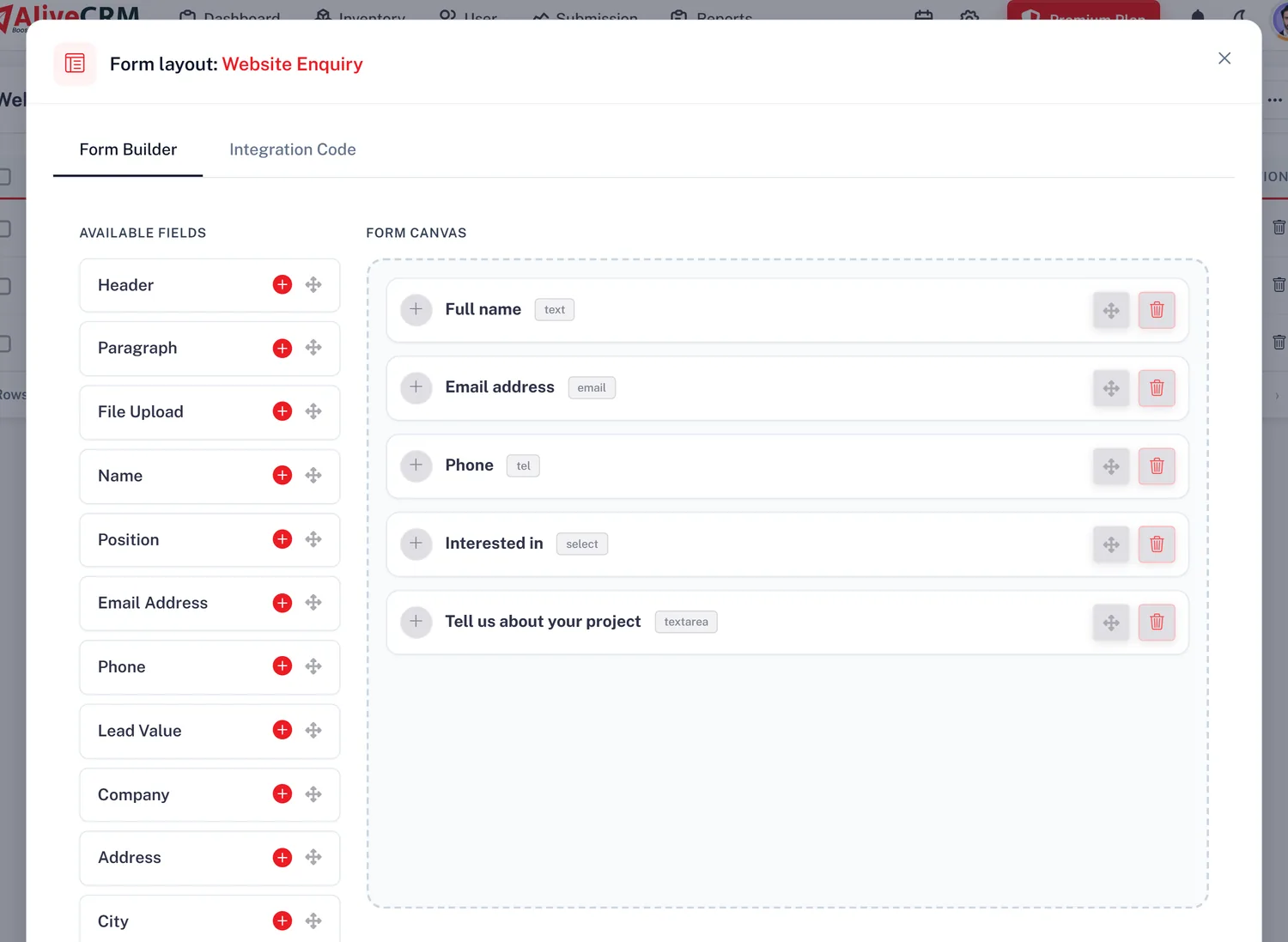
Each lead capture form belongs to one product. Put it on that product's page or landing page and every enquiry arrives with the product on it. For leads from a trade fair or a portal, add them by hand and choose the product, or save the list as CSV and import it. Then filter the lead list by product to see every enquiry for one item.

  • One form per product
  • Product shown on every lead
  • Filter leads by product
See the form builder
A Separate Enquiry Form per Product
Team

Dealer Enquiries to the Right Executive

Choose the executives who sell each product. With auto-assignment, included on selected paid plans, enquiries for that product are shared within its team using round-robin, least busy, balanced, random or a fixed person, or left for manual assignment. A dealer asking about solar inverters reaches the inverter specialist on the first call, and you can reassign any lead by hand.

See lead assignment software India
  • Team per product
  • Six assignment options including off
  • Manual reassignment any time
Report

See Which Products Bring Orders

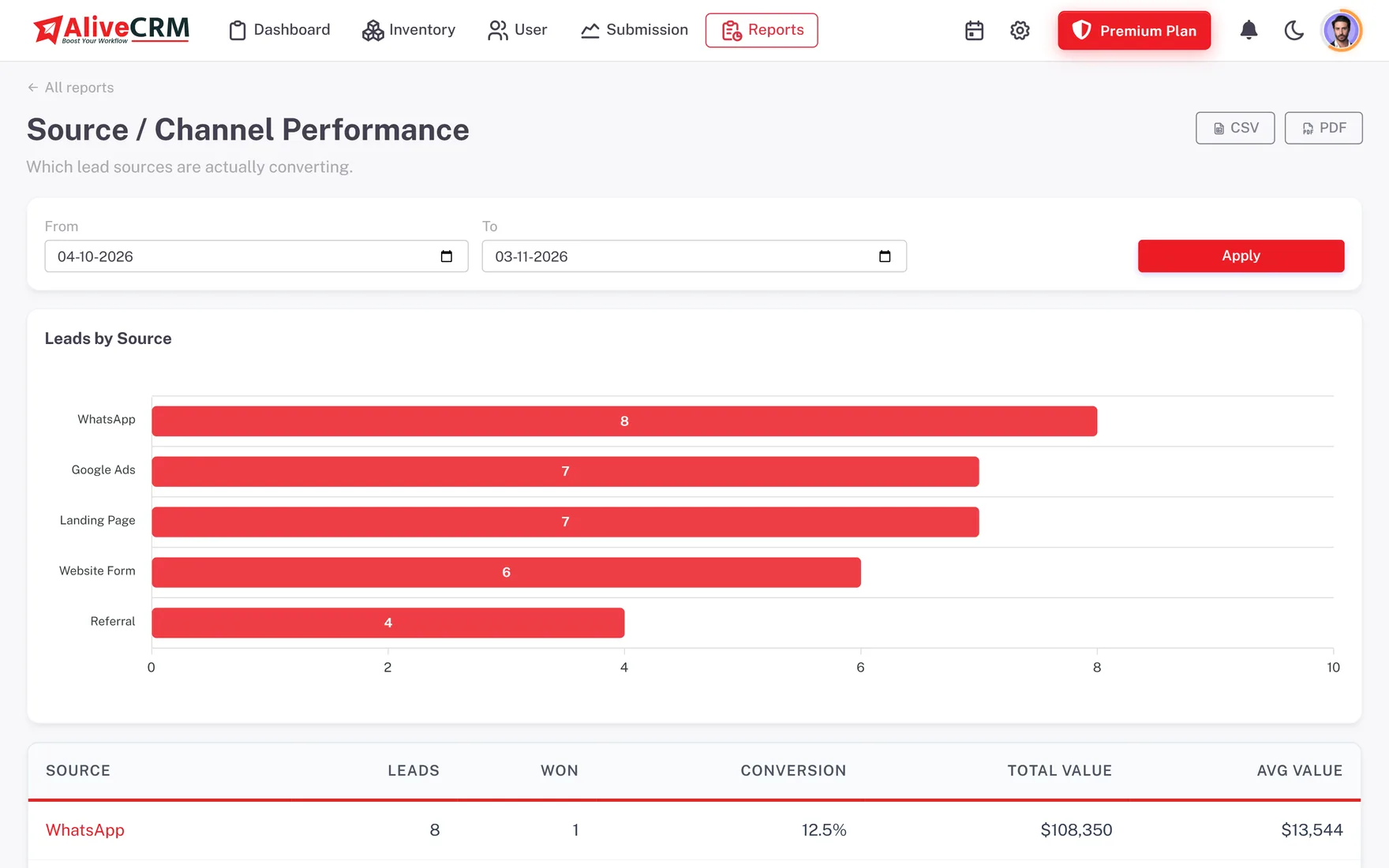
With advanced reports, included on selected paid plans, the Product Catalog report lists products and services with the number of orders or bookings each has received. Compare that with enquiry counts from the lead list and you see which product lines are worth more ad spend and which need a better price or a closer look at follow-up.

  • Order count per product
  • Products and services together
  • Spot lines that need attention
See CRM reports
See Which Products Bring Orders
Who It Is For

Indian Sellers Who Manage Enquiries by Product

Machinery manufacturers

Technical enquiries for each machine routed to the engineer-salesperson who can answer them.

Distributors and wholesalers

Dealer and retailer enquiries shared among the executives who handle each product range.

Building material suppliers

Tiles, cement, pipes and fittings tracked as separate lines, with enquiry counts per line.

Solar and appliance brands

Considered purchases where buyers compare models and need a follow-up call to decide.

Honest limits

What Product Management Does Not Do

This is a product catalog for managing enquiries, not an inventory, billing or dealer portal system. It does not run a warehouse, track stock movements, take online orders or payments, or give dealers their own login. There is no IndiaMART or JustDial connector, so portal leads are added by hand or by CSV. One form links to one product, and your plan's inventory limit counts projects, products and services together.

FAQ

Frequently Asked Questions

Can I import my product enquiries from Excel?

Save your Excel sheet as CSV and import it into AliveCRM. Import works from CSV only. After import, open each lead or use your form links going forward so the product is attached. You can export leads later as CSV, Excel (.xls) or PDF.

Can I get leads from IndiaMART or JustDial automatically?

No. AliveCRM has no direct connector for those portals. Add portal enquiries by hand with the product chosen, or download them, save as CSV and import. Leads from your own website and landing pages come in automatically through AliveCRM forms.

Is this a stock or inventory system?

No. Products hold name, SKU, price, stock, category and status so your team can answer enquiries, but stock does not change when you sell. It is not warehouse, billing or order software. Keep your stock in your existing system and use AliveCRM for the enquiries.

Can different executives handle different product lines?

Yes. Set a team on each product. With auto-assignment on selected paid plans, its enquiries are shared within that team by round-robin, least busy, balanced, random or a fixed person. You can also turn assignment off and allot leads by hand.

Can I quote prices in rupees for a product enquiry?

Yes, on plans that include quotations. Build a quotation from the lead with line items, a discount and one GST line, download the PDF with your GSTIN and bank details, and convert it into an invoice when the dealer confirms the order.

What if I stop selling a product?

Mark it inactive. Its past enquiries, notes and history stay for reporting, and the team can see it is no longer on sale. If the product returns, set it active again and its form and team carry on as before.

Tag Every Enquiry With Its Product

Start a 7-day trial with no card needed, add your first products and build a form for each.

Book a demo

See forms, leads and follow-ups set up for your team on a live call. Leave your details and we will reach out to pick a time.